6 pro level vsts
There are many free plugins out there. But which are actually usable at a professional level? In the world of music production, understanding the vsts meaning music is essential. VST stands for Virtual Studio Technology, a new software interface developed by Steinberg Media Technologies that allows musicians and producers to use vst plugins within their digital audio workstation (DAW) software. These plugins can be vst instruments or vst effects, and they have transformed how music is created, recorded, and mixed.
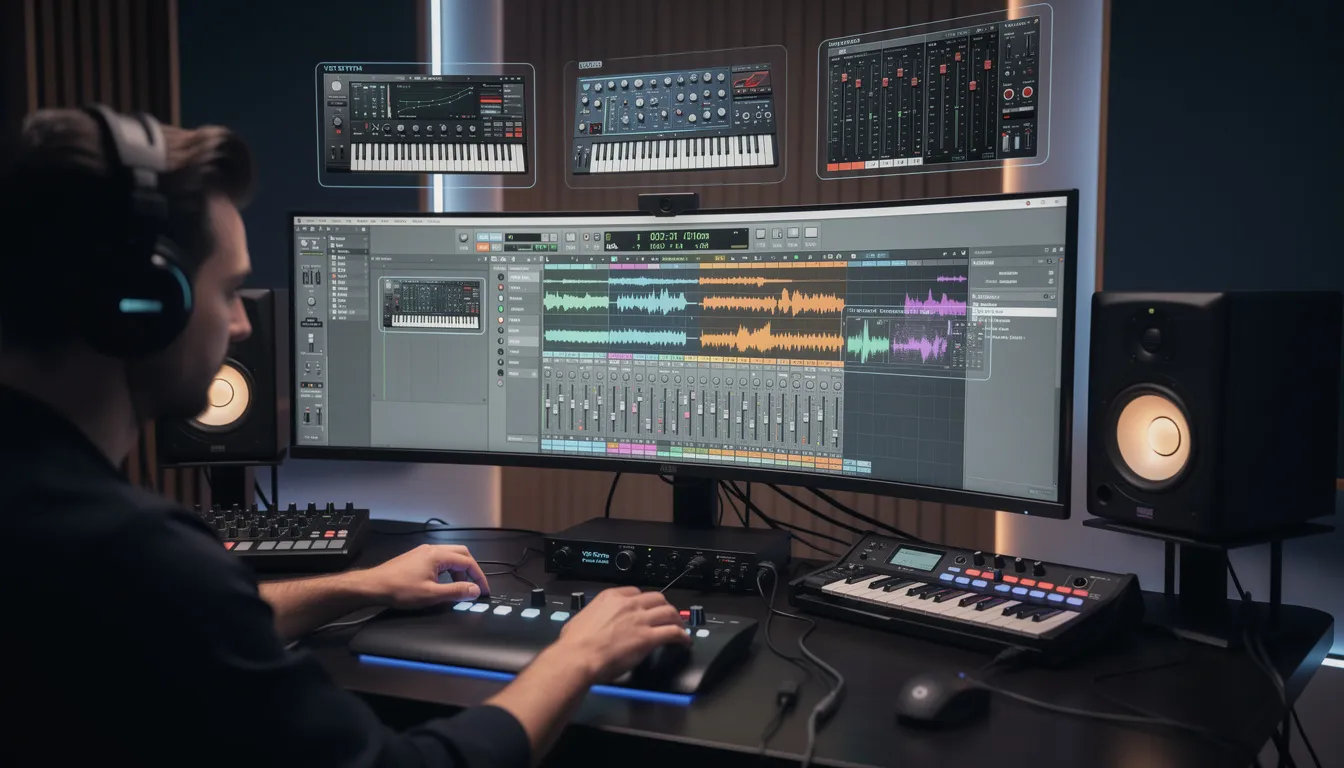
What Are VST Plugins?
VST plugins come in two primary forms: vst instruments (also called virtual instruments) and vst effects plugins. VST instruments generate audio, often by emulating external hardware synthesizers or using sample libraries to produce realistic sounds. Meanwhile, vst effects process an incoming audio signal to modify or enhance it, such as adding reverb, compression, or distortion. Together, these plugins enable a wide variety of sounds and effects to be created entirely within the music production software.
The vst format was introduced in 1996 by Steinberg Media Technologies alongside their DAW, Cubase VST, marking a turning point in the history of music production. Before this, producers relied heavily on expensive physical gear like synthesizers, drum machines, and effects units. VST technology made it possible to replicate these tools digitally, dramatically lowering costs and expanding creative possibilities.
Types of VST Plugins
Understanding the types of vst plugins is crucial for anyone diving into music production. The two main categories are:
- VST Instruments (VSTi): These plugins receive MIDI data or midi input from a controller like a midi keyboard or from the DAW’s piano roll. They then generate sounds based on this input, functioning as software instruments. Examples include vst synthesizers, samplers, and virtual drum machines. Popular vst instruments often emulate famous hardware synths, such as those made by Native Instruments, which provide high-quality, authentic sounds without the need for physical equipment.
- VST Effects: These plugins process existing audio tracks within the DAW. They manipulate the audio signal to add effects like EQ, reverb, delay, compression, and modulation. Many vst effects are designed to replicate classic analog gear, offering the same sound design capabilities as physical effects plugins but within a digital environment.
There is also a third category, VST MIDI effects, which process MIDI data itself rather than audio. These plugins can modify MIDI information before it reaches a vst instrument, enabling complex performance and sequencing possibilities.
Integration With Digital Audio Workstations (DAWs)
A vst host is typically a digital audio workstation such as FL Studio, Ableton Live, Logic Pro, Cubase, or Pro Tools, though Pro Tools primarily supports its own plugin formats like AAX, it can also work with VSTs through wrappers. The DAW acts as the central hub where vst plugins are loaded, controlled, and automated. The host routes audio signals and midi data between plugins and tracks, allowing producers to build complex soundscapes.
Most DAWs support multiple plugin formats, including audio units (AU) on macOS and VST on Windows and macOS. This cross platform compatibility ensures that most vst plugins can be used across different systems, although some plugins are exclusive to certain formats or platforms.
Advantages of Using VST Plugins
The adoption of VST technology has democratized music production, making high quality tools accessible to a vast audience. Here are some key benefits:
- Cost-effective: Many free vst plugins and affordable premium options are available, enabling producers to access sounds and effects that once required costly hardware.
- Portability: With VSTs, producers can create professional music setups on laptops, eliminating the need for bulky physical gear.
- Versatility: The wide variety of vst instruments and vst effects allows for endless creative possibilities, from emulating vintage gear to designing futuristic sounds.
- Integration: VSTs work smoothly within DAWs, supporting automation and preset management for efficient workflow.
- Innovation: Developers continue to push the boundaries of what’s possible with VST technology, incorporating AI-assisted tools and advanced sound synthesis techniques.
Popular VST Plugins and Developers
Several companies are renowned for producing high quality VST plugins. Native Instruments is a leader in this space, offering a vast range of vst synthesizers, samplers, and effects that have become staples in studios worldwide. Their products, such as Kontakt (a sampler) and Massive (a synth), combine deep functionality with excellent sound quality.
Other notable developers include Valhalla DSP, known for their reverb plugins, and Softube, which excels in analog modeled effects. Additionally, many DAWs come bundled with their own suite of VSTs, providing a solid starting point for newcomers.
How to Use VST Plugins
To use vst plugins, you first need a compatible DAW (digital audio workstation). After installing your DAW and the plugins, you typically scan your system for new plugins so the DAW can recognize them. Once recognized, you can load vst instruments on MIDI tracks to generate sounds or insert vst effects on audio tracks to process the sound.
Automation allows producers to change plugin parameters dynamically during playback, enabling expressive performances and evolving sound textures. Preset management systems within plugins and DAWs make it easy to save and recall settings, streamlining the creative process.
Challenges and Considerations
While VST technology offers many advantages, there are some challenges:
- Compatibility Issues: Not all plugins work flawlessly with every DAW or operating system, which can lead to frustration.
- System Resources: High quality VSTs, especially complex vst synthesizers or sample libraries, can be demanding on CPU, RAM, and storage space.
- Learning Curve: Many plugins come with extensive controls and features, which may require time to master.
- Quality Variance: The market includes both professional grade and less reliable plugins, so choosing trusted developers is important.
The Future of VST Technology
The vst format continues to evolve, with the latest versions offering enhanced features like improved MIDI support, sidechain inputs, and better performance optimization. The open source licensing of recent VST SDK versions encourages innovation and wider adoption.
Moreover, the integration of AI-powered plugins is becoming more prevalent, assisting producers with tasks like automatic mixing, mastering, and even generating musical ideas. This ongoing evolution ensures that VST technology will remain a cornerstone of audio production and music production software for years to come.
Six Professional Free VST Plugins to Try
To get started with VST plugins without spending money, here are six pro vst options that are 100% free and highly regarded in the industry:
REVERB: Valhalla Supermassive
Created by Valhalla DSP, known for their iconic VintageVerb, Supermassive offers a wide range of spacious reverb effects ideal for ambient music and sound design. It extends the capabilities of VintageVerb, providing options for unique spatial effects.
Find it here.
COMPRESSION: Analog Obsession LALA
This plugin emulates the classic LA-2A compressor from the 60s, famous for its warm, smooth tone, especially on vocals. Analog Obsession's LALA delivers this vintage sound with three different skins for customization.
Find it here.
KEYS: Sample Science Cassette Roads
A lo-fi sampler that recreates the sound of an electric piano processed through tape, perfect for nostalgic and textured keyboard sounds.
Find it here.
PROCESSING: Xenakios PaulXStretch
An advanced time-stretching plugin that can slow down audio by up to 800% while maintaining sound quality, useful for experimental sound design.
Find it here.
SATURATION: Softube Saturation Knob
A simple yet powerful saturation plugin that adds analog warmth and subtle harmonic distortion to tracks, enriching their character.
Find it here.
SAMPLER: Spitfire Audio Labs
A collection of top-tier sampled instruments, including vintage drums, strings, and pianos, all available for free from the respected London-based Spitfire Audio.
Find it here.
Final Thoughts
The vsts meaning music goes far beyond just being a software tool; it represents a fundamental shift in how music is produced, democratizing access to professional sounds and effects. Whether you’re a beginner or an experienced music producer, mastering vst plugins and understanding virtual studio technology will open up endless creative possibilities in your digital audio workstation. With the abundance of free vst plugins and premium options available, there has never been a better time to explore and expand your sonic palette using VST technology.
Distribute Your Music With Unchained