
Spotify Guide For New Independent Artists
A starter guide from Spotify that helps independent artists promote releases, pitch playlists, and grow their fanbase using Spotify for Artists tools.
Spotify Guide For New Independent Artists
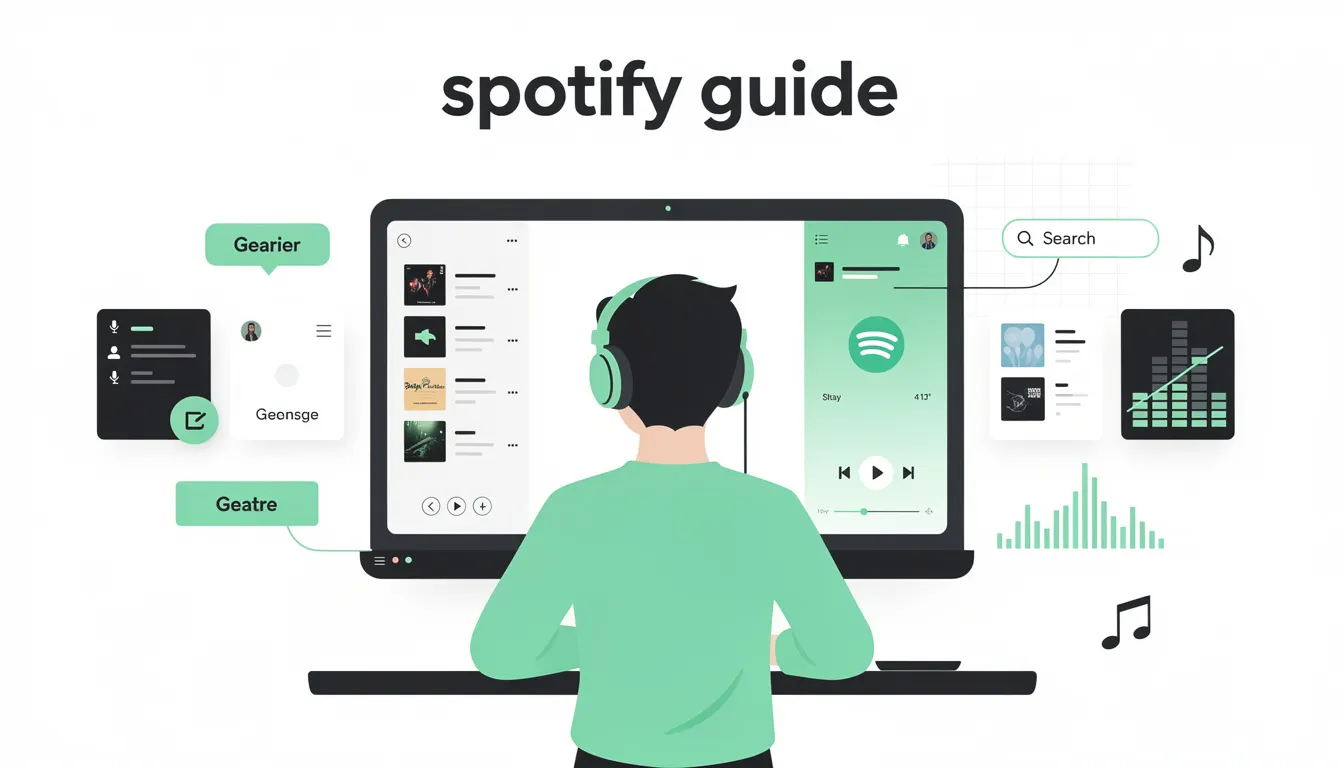
Our Spotify Guide for New Independent Artists is an essential resource for artists and music lovers alike, designed to help new and existing users understand how to get the most out of Spotify’s features, tools, and listening experience. Whether you are an independent artist looking to grow your music career or a passionate listener eager to discover new music, this guide offers a comprehensive overview of Spotify’s platform, focusing on how to optimize your Spotify artist profile, utilize the artists dashboard, and use Spotify playlists for maximum impact.
Spotify is one of the world's leading streaming services, available across phones, computers, tablets, smart speakers, cars, and more, making it one of the most accessible audio platforms globally. This guide walks you through how to set up a Spotify account, explore millions of songs and podcasts, build and share playlists, follow artists, and personalize your listening experience to suit your tastes. For more information, visit the official Spotify website.
Setting Up Your Spotify Account and Artist Profile
To begin your musical path on Spotify, the first step is to create a Spotify account. This free platform allows users to access a vast library of music and podcasts. For artists, setting up a Spotify for Artists account is crucial. This verified artist platform provides full access to artists tools, including real-time analytics, playlist pitching, and profile customization. Learn more and claim your profile at Spotify for Artists.
Claiming your Spotify artist profile verifies your identity as a verified artist and opens up features that help you connect with fans and grow your listener base. Your artist page becomes your digital storefront on Spotify, showcasing your music, album artwork, tour dates, bio, and social links. Keeping your Spotify profile updated with your latest projects, new releases, and creative process insights helps make a lasting impression on potential listeners and industry professionals.
For a detailed walkthrough on managing your profile and understanding the key features available, be sure to explore our Spotify for Artists Dashboard guide, which explains how to navigate your artists dashboard effectively.
Navigating the Spotify for Artists Dashboard
Once your Spotify for Artists account is set up, the artists dashboard becomes your command center. This powerful tool provides detailed audience analytics, showing listener demographics such as age, gender, and geographic location. Understanding your audience through the audience tab allows you to tailor your music promotion and touring strategy effectively.
The dashboard also tracks your follower count, playlist adds, and streaming performance, giving you insights into how your music is resonating with listeners. With this data, you can make informed decisions to enhance your music's reach and deepen your connection with fans.
To dive deeper into how to interpret these analytics and use them to grow your music career, check out our comprehensive Spotify Analytics Explained resource.
Using Spotify Playlists and Playlist Pitching
Spotify playlists are a key driver of music discovery on the platform. Getting your songs featured on editorial playlists, algorithmic playlists like Release Radar, or user-generated playlists can expose your music to new audiences and significantly boost streams.
Spotify for Artists offers a playlist pitching tool that allows you to submit unreleased tracks for consideration by Spotify’s editorial team. Pitching your music at least seven days before your release date increases your chances of being included on popular playlists, helping to amplify your new release's visibility.
Collaborating with other artists and independent playlist editors can also expand your music’s reach to niche audiences. Engaging with your listener base through authentic content and behind the scenes glimpses of your creative process fosters listener engagement and loyalty.
Learn how to maximize your chances of playlist placement with our guide on Spotify Editorial Playlists.
Optimizing Your Artist Page for Maximum Impact
Your Spotify artist page is more than just a profile; it’s a platform to tell your musical story. Adding a compelling artist bio that reflects your musical path, genre, and influences helps potential listeners connect with you on a deeper level.
Incorporate high-quality album artwork and header images that visually represent your brand. Utilizing Spotify’s Artist Pick feature allows you to highlight your latest release, upcoming show, or new merch, placing it front and center for fans visiting your profile.
Integrating your tour dates and merchandise directly into your Spotify profile offers fans smooth access to buy tickets and support you through merch sales. Spotify’s Clips feature enables you to share short video messages, providing a personal touch that enhances fan engagement.
Expanding Your Music Career with Spotify’s Global Audience
Spotify’s global reach offers artists unparalleled opportunities to grow their music career internationally. By analyzing listener demographics and geographic data, you can identify your biggest fans and tailor your promotional activities accordingly.
Connecting your Spotify profile with other streaming services and social media platforms broadens your presence and helps turn listeners into lifelong fans. Utilizing Spotify’s marketing tools, such as Marquee and Showcase, further boosts your music promotion by targeting potential listeners who are most likely to engage with your new release.
Understanding the Music Industry Through Spotify Analytics
Spotify for Artists provides valuable insights that can help you navigate the music industry more effectively. Real-time analytics reveal how your music performs across different markets and listener segments, enabling you to adjust your strategies for maximum impact.
Tracking playlist additions, follower growth, and listener engagement informs your decisions about future releases, collaborations, and touring plans. Building genuine relationships with industry professionals and your audience through consistent engagement is key to long-term success.
Best Practices for Using Spotify for Artists
To make the most of Spotify for Artists, regularly update your profile with fresh content, including new music, behind the scenes content, and updates on your musical path. Engage with your fans authentically on social media and through Spotify’s platform features.
Pitch your music strategically to editorial playlists and maintain a consistent release schedule to keep your audience engaged. Use analytics from the artists dashboard to refine your music promotion and connect with your listener base more effectively.
Conclusion
Spotify In Guide is your roadmap to mastering Spotify’s platform, whether you’re an emerging artist or an established musician. By setting up a verified artist account, optimizing your Spotify artist profile, using Spotify playlists, and utilizing the powerful artists tools available, you can expand your music’s reach, connect with a global audience, and build a sustainable music career.
Embrace the platform’s features, keep your profile dynamic, and engage authentically with your fans to open up the full potential of Spotify for Artists. Your musical path on Spotify starts here.
Ready to take your music career to the next level?
Claim your Spotify for Artists profile today at artists.spotify.com and start connecting with your fans like never before! For comprehensive music distribution and artist services, explore Unchained Music, your partner in growing your global audience and maximizing your music's reach.
Frequently Asked Questions
What is Spotify for Artists?
Spotify for Artists is a free platform that allows musicians to manage their Spotify artist profile, access analytics, pitch music to playlists, and connect with fans.
How do I claim my Spotify for Artists profile?
After your first release is live on Spotify, you can claim your profile by verifying your identity at Spotify for Artists.
Can I pitch my music before release day?
Yes, you should pitch your unreleased tracks at least 7 days before the release date to increase chances of playlist consideration.
What tools does Spotify for Artists provide?
The platform offers real time analytics, playlist pitching, profile customization, audience insights, and promotional features like Marquee and Canvas.
How can I connect with fans using Spotify for Artists?
By keeping your profile updated, sharing behind the scenes content, using Spotify Clips, and engaging through social links, you can build a deeper connection with your audience.
Is Spotify for Artists free to use?
Yes, Spotify for Artists is completely free once your music is available on Spotify.
Can I add tour dates and merchandise to my profile?
Yes, you can integrate your upcoming tour dates and merchandise directly into your Spotify artist page to offer fans easy access.
How do I track my music’s performance?
Use the artists dashboard to view listener demographics, streaming stats, playlist adds, and follower growth in real time.
What is the Artist Pick feature?
Artist Pick lets you highlight a new release, playlist, merch, or upcoming show at the top of your artist profile for up to six months.
How do I get verified on Spotify?
Verification happens automatically when you claim your Spotify for Artists profile, granting you the blue checkmark badge.

.webp)