
LUFS explained: what streaming loudness targets do to your master
What LUFS measures, which streaming platforms publish a loudness target and which do not, and what normalization does to a master that is too loud.
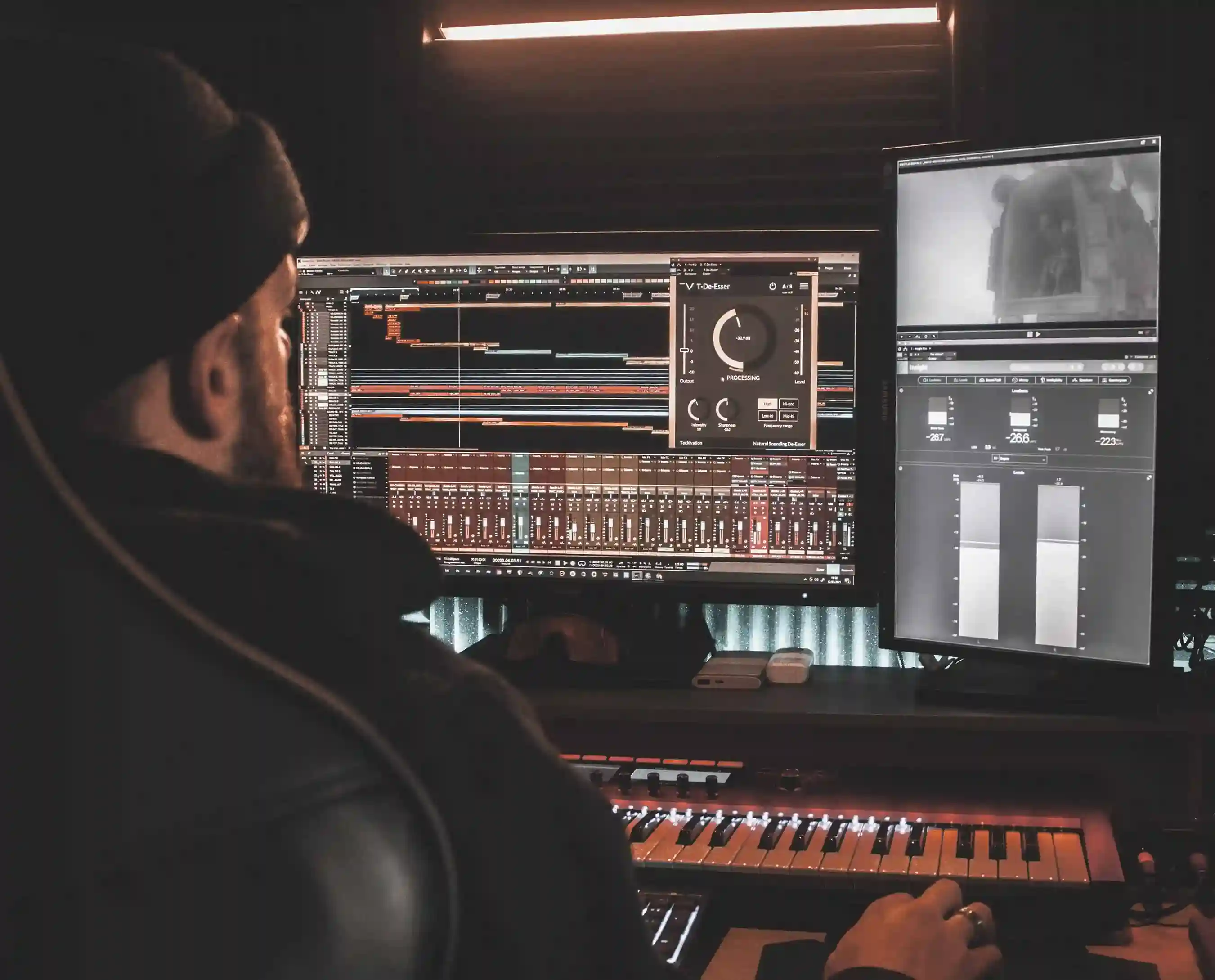
LUFS measures how loud a track sounds to a listener across its whole length, and streaming platforms use that measurement to even out playback between tracks. Your file is not changed. The volume it plays back at is.
Why your song sounds quieter than the one before it
You are in a playlist. The track before yours hits hard, yours comes in, and something has gone. Not the low end, not the detail, just the size of it. You go back to your master and it looks fine on the meters.
Nothing is wrong with your file. What you heard is the platform evening out the difference between two masters that were made at different levels, which it does to every track it plays, including the one that sounded bigger.
This is the part that trips people up. The loud master did not stay loud. It was turned down to sit alongside yours, and the impression of size you heard came from something other than level.
What normalization is, in one paragraph
Streaming platforms measure the loudness of every track they receive, then adjust playback so tracks sit at a comparable level. The adjustment happens on their side, at playback, after your file has arrived. Spotify is explicit that loudness normalization is applied during playback and that it measures loudness at upload without processing or changing your audio. Your master is not re-rendered. A gain figure is applied to it as it plays.
The measurements that matter
Four numbers describe loudness, and only two of them are decisions you make.
Integrated LUFS
Integrated LUFS is the loudness of the whole track, measured start to stop and averaged. It uses gating, which means very quiet passages are excluded from the measurement so that a long fade or a silent intro does not drag the number down.
The EBU's loudness metering specification defines the three meters together: momentary at 400 milliseconds, short term at 3 seconds, and integrated from start to stop. Integrated is the one platforms act on, so it is the number to know about your own master.
Short term and momentary LUFS
Short term measures a 3 second window. Momentary measures 400 milliseconds. Both are moving readings that show you loudness as it happens rather than as a summary.
They matter to an engineer watching a mix move. They are not the reader's decision point here, because no platform normalizes to them. If you are checking one number before upload, check integrated.
True peak, and why sample peak is not enough
Sample peak reads the highest value in the digital samples you have. True peak estimates the highest value the waveform actually reaches between those samples, which can be higher than any sample in the file.
That gap is not theoretical. It is why ITU-R BS.1770, "Algorithms to measure audio programme loudness and true-peak audio level", defines true-peak measurement alongside loudness in the first place, and it is the standard Spotify names for its own measurement.
It matters most at the encode. Streaming delivery is lossy, and a lossy encoder reconstructs the waveform rather than reproducing your samples exactly. A file that reads 0.0 dBFS on a sample peak meter can come out of that encoder clipping. That is why the safe ceiling sits below zero rather than at it.
Loudness range
Loudness range, written LRA, describes how much the loudness varies across a track. The EBU defines it as a measure that supplements the main loudness reading, computed from the distribution of loudness over time.
A track with a wide range moves. A track with a very narrow range does not, and that is the real cost of chasing loudness. Compress everything hard enough to raise the integrated figure and the loud parts stop being loud relative to anything, because there is nothing quiet left to compare them to. Normalization then turns the whole thing down anyway, and what you are left with is a flat track played quietly.
What each platform publishes, and what it does not
This is where most loudness advice goes wrong. Charts of per platform targets circulate widely, and most of the figures in them have no first-party source behind them.
We publish the ones that are documented and we name the rest as undocumented. That is the whole of it.
The targets that are documented
Spotify publishes both figures. Its artist documentation states a playback target of -14 dB LUFS, using the ITU 1770 standard, and recommends keeping true peak below -1 dB TP for lossy formats. If you are mastering louder than -14 LUFS integrated, the same page recommends keeping true peak below -2 dB.
Deezer publishes a figure too, in a less formal place. On Deezer's own community forum, a moderator relaying the company's developers wrote that Deezer targets -15 dB LUFS. The same post says the figure may change later, so treat it as the weaker of the two citations and check it if it matters to a decision.
Note what those two numbers do together. Two platforms document a target, and the targets are not the same. That is the answer to the question most readers arrive with.
For context from outside music streaming, broadcast has had a published standard for years. The EBU's R 128 recommendation normalizes to -23 LUFS with a relative gate. That number is not a streaming target and you should not master to it. It is here to show what a documented target looks like when an industry agrees on one.
The platforms that publish nothing
Several major platforms normalize loudness and do not state the level they normalize to.
Apple runs Sound Check, and Apple's own support documentation says only that Sound Check adjusts the loudness between different songs to play at the same volume. No figure. YouTube, Amazon and TIDAL normalize as well, and none of them publishes a number either.
You will find figures for all of these on forums, in plugin vendor charts and in other blog posts. We do not repeat them, because we cannot verify them, and a number you cannot verify is not information. If a platform documents a target later, this article gets updated with the link.
What normalization does when you are above or below the target
The asymmetry is the practical lesson.
Turned down is not the same as turned up. When a master is louder than the target, the platform applies negative gain and it plays quieter. The dynamics you spent to get there are still spent. They do not come back when the level is reduced, so a hyper-compressed master ends up at the same playback level as a dynamic one and sounds smaller doing it.
Going the other way is not guaranteed. Spotify states that positive gain is applied to softer masters, but that it considers the track's headroom and leaves 1 dB of headroom for lossy encoding. A quiet master with peaks close to the ceiling will not be lifted all the way. Other platforms may not lift quiet tracks at all, and since most do not publish their behavior, you cannot rely on it.
Measure your own master before you upload
You now know what the numbers mean. The next useful thing is knowing yours.
You need two readings: integrated LUFS for the whole track, and true peak for the highest level the waveform actually reaches. Read them from the finished master, the exact file you are about to deliver, not from the mix bus with the export chain bypassed.
What to do about the number you get
Louder than the target
Nothing breaks. The track plays quieter than it measures, and every other track plays at a comparable level, so you gain nothing from the extra loudness.
The question worth asking is what the loudness cost. If the master got there with heavy limiting, you traded dynamic range for a level the platform removes at playback. That trade used to pay. Under normalization it does not.
You do not have to remaster because you are above the target. Plenty of records sit well above it and sound right. Just stop treating a low integrated figure as a failure.
Quieter than the target
Quiet is usually the safer error. Some platforms lift quiet tracks, subject to headroom, and Spotify documents that it does. Others do not say, so a very quiet master may simply play quiet.
If the number came back far below where you expected, that is worth investigating rather than fixing with a limiter. Check the export, check for a stray gain stage, and check whether the file you measured is the file you are delivering. Our guide to the most common upload mistakes covers the versions of this that come up most often.
True peak overs
This is the one to act on. A true peak above the ceiling can survive your listening system and then distort after encoding, which means the fault appears on the platform and not in your studio.
Master with the ceiling below zero and check true peak on the delivered file. If you would rather have the master handled than measured, we cover online song mastering services and how to use the AI Mixing and Mastering Studio separately.
Mastering for streaming without chasing a number
Master for the song. Keep true peak in hand. Treat the integrated figure as a check you run at the end rather than a target you mix toward.
There is no single value that is correct everywhere. The two streaming targets we can cite are a decibel apart, one of them carries a headroom condition, and the rest of the platforms publish nothing at all. A number that changes depending on the platform and the file is not a specification. It is a reading.
Reference tracks beat targets. Pick two or three released records in your genre that sound the way you want yours to sound, level match them to your master, and listen. That comparison tells you more in five minutes than a loudness chart tells you in an hour, and it accounts for the things the integrated figure cannot see, like arrangement, low end weight, and how much movement the track has.
Then check the file itself. Format, sample rate, clipping and silence at the head or tail are all things that pass unnoticed in a session and fail on delivery. It is a different check from loudness and it takes seconds. The wider version of that check lives in our guide to getting your music ready for distribution.
Frequently asked questions
Does normalization damage my master?
No. The file you deliver is stored as you delivered it, and Spotify states plainly that it measures loudness at upload without processing or changing your audio. Normalization applies a gain figure at playback. Nothing is re-rendered and nothing is permanently altered.
Should I turn normalization off when I listen?
Turn it off when you are comparing your master to a reference, so you hear the actual level of both files. Leave it on when you are listening as a listener, since that is what your audience hears.
Is there one LUFS value that works everywhere?
No. The two platforms that document a target do not document the same one, and the published behavior comes with headroom conditions. Master for the song, keep true peak below the ceiling, and treat integrated loudness as a check rather than a specification.
Does the platform re-encode my file?
Yes. Streaming delivery uses lossy formats, so your master is encoded on the platform's side. That encode is the reason true peak matters, because a reconstructed waveform can exceed the peaks present in your samples.
Do I need a limiter to hit a target?
No. A limiter is a tool for controlling peaks, not a requirement for meeting a number, and using one to raise the integrated figure trades dynamic range for a level normalization removes at playback.
What about albums and track to track level?
Set the level relationships across the record yourself, in the mastering stage, and check them by listening to the sequence end to end. Platforms differ in whether they normalize per track or per album, and most do not publish which they do.
Does any of this apply to vinyl?
No. Vinyl mastering has different constraints and no playback normalization, so streaming loudness targets do not carry across. See our guide to pressing vinyl for that side.
Where do I find my track's LUFS reading?
Any loudness meter that implements the ITU-R BS.1770 algorithms will report integrated LUFS and true peak. Measure the finished master file rather than the session, since the export chain can change both readings.
Once the master measures the way you want, the next step is getting it out cleanly. Unchained delivers to 150+ platforms and checks your audio at upload, so a file problem surfaces before a release date does. See the distribution plans for how that fits your next release.
.webp)
.webp)