How to find the key and BPM of any song
Find a song's key by ear, in your DAW or with an analyzer, read the BPM without falling for half time, and convert any key to Camelot notation.
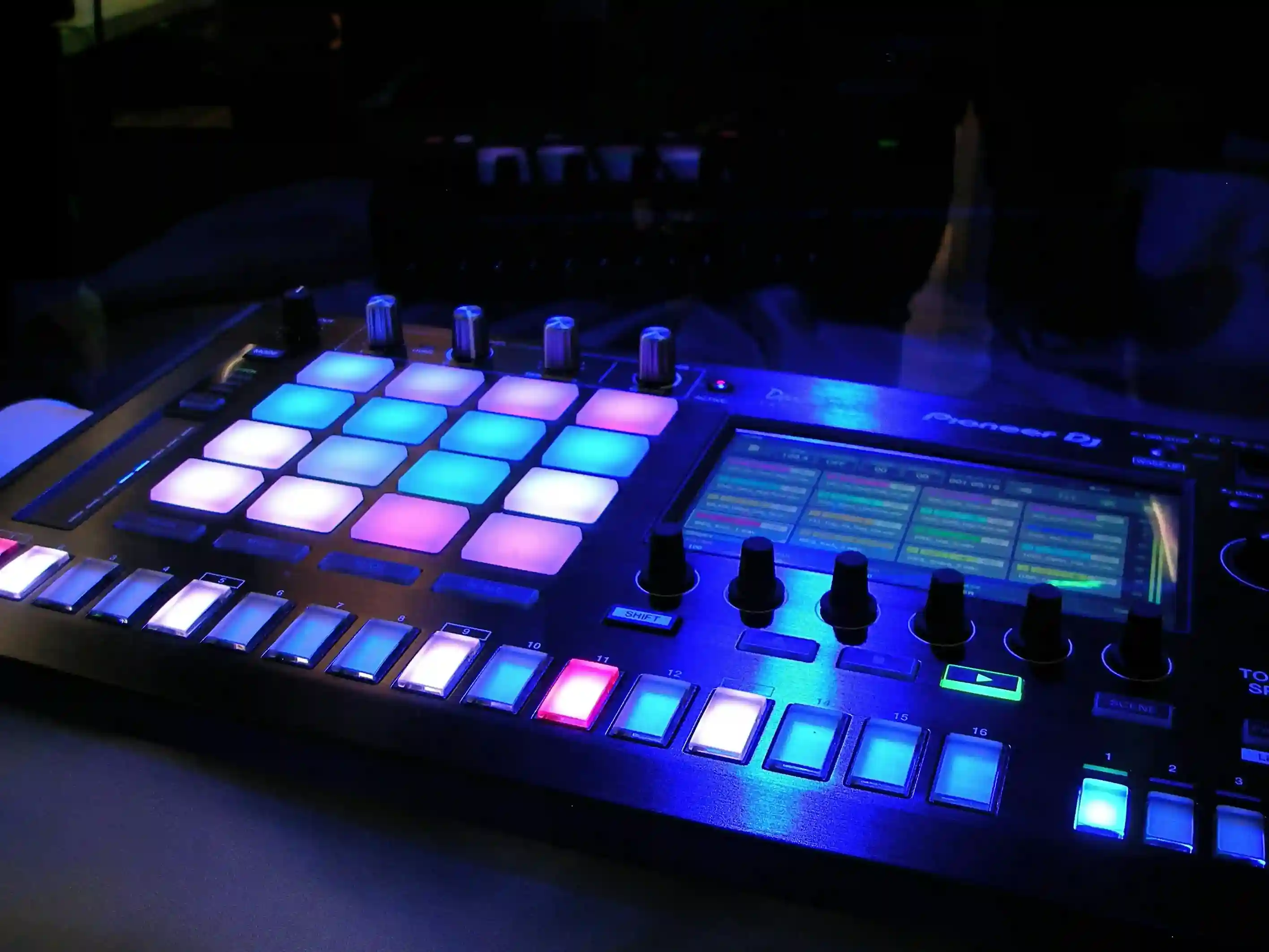
To find the key of a song, hum the note it resolves to, find that note on a keyboard, then test whether the major or minor scale fits. To find the BPM, tap along for eight bars and count. An analyzer does both faster.
The two numbers every track carries
Almost every track gets two numbers written next to its name before anybody mixes, remixes, samples or rehearses it. Tempo and key. They travel together on DJ decks, in sample library file names, on sync briefs and on set lists.
BPM
BPM is beats per minute, the rate of the pulse you would tap along to. A track at 128 BPM has 128 beats in a minute.
The complication is that the pulse is not always obvious. A track can be counted at 75 or at 150 and both readings describe the same music, because one is counting every beat and the other is counting every other beat. Neither is wrong. They are different readings of the same pulse, and the section on the half-time trap below covers which one to write down.
Key
The key is the note the music resolves to, plus whether it behaves as major or minor. That resolving note is the tonic. If you stop a song at any point and hum the note that feels like home, you have found it.
Major and minor describe the flavor of the scale built on that tonic. Major tends to read as bright, minor as darker, though plenty of records break that expectation. For working purposes, key means tonic plus mode, and that is as much theory as this article needs. If you want the underlying theory properly, our review of Music Theory for Dummies covers the book that teaches it.
How to find the key of a song
Three methods, in order of how much they need from you.
By ear
You do not need theory for this. You need a keyboard, physical or on a screen.
Play the song and let it get to a resting point, usually the end of a chorus or the last chord of a section. Hum the note that sounds finished. Then hunt for that note on the keyboard, one key at a time, until the hummed note and the played note stop fighting each other. That note is your tonic.
Now test the mode. Play the major scale from that note against the track, then the minor scale from the same note. One will sit inside the record and one will grate. Whichever fits gives you the second half of the answer.
This gets faster with practice, and it is the only method that also teaches you something. Start with songs whose key you already know from another source, so you can check yourself.
In your DAW
Most DAWs will help, though what they offer differs.
Ableton Live warps and analyzes audio for tempo, and third-party devices handle key. Logic Pro has Smart Tempo for tempo analysis and a key signature setting on the project. FL Studio and Studio One both expose tempo detection when you drop audio in. Several sample browsers now tag key on import, which is often the quickest route if the track is already in your library.
Whatever your DAW reports, check it against the by-ear test before you rely on it. A DAW's reading is a starting point.
With an analyzer, and why two analyzers disagree
An analyzer listens to the file and returns a key and a tempo. It is the fastest method by a wide margin and it is the right tool when you have a folder of tracks rather than one.
It is also an estimate, and it is worth being clear about why. Ableton's own manual is direct about the tempo side: the auto-warp algorithm "usually estimates the audio clip's tempo correctly", and "sometimes the estimation of the original tempo is incorrect, and the BPM field may show a tempo that is either twice as fast or half as slow."
Key estimation runs into its own set of hard cases. A track with a weak or ambiguous tonic gives an analyzer little to lock onto. Music that changes key partway through has more than one correct answer. Modal and drone-based material may not resolve the way the analysis expects. And a major key and its relative minor share the same notes, so a tool can land on the right note collection and the wrong mode.
That is why an analyzer that reports a confidence level, or that names a close second key, is telling you something useful rather than hedging. A low confidence figure means the track is genuinely ambiguous, not that the tool failed. When the reading matters, check it by ear.
How to find the BPM
Tap it
Play the track and tap a key or a button on every beat. Keep tapping for at least eight bars before you trust the average, because a short tap sample carries your own timing error into the result.
Every DAW has a tap tempo control. So does the online metronome, which is useful when you want a number without opening a session. Tap, read, then let the click run against the record to confirm the two stay locked for a full verse. If they drift apart, you counted the wrong pulse.
The half-time trap
This is the mistake that produces two different answers for the same song.
If a track feels like 75 BPM with a snare on beats two and four, and also like 150 BPM with a snare on beat three, both counts are describing the same music. Ableton's manual names the same failure in software: a tempo reading twice as fast or half as slow as the original.
Write down the number that matches how the genre is counted. Drum and bass gets written at the fast count, most hip hop at the slow one, house at the number the kick lands on. If you are unsure, write the one you would set a metronome to in order to play along, and note the alternate next to it. Both numbers are true and one of them is more useful to whoever reads the file name next.
Writing the key the way DJs do: Camelot notation
The problem with F sharp minor on a deck
There are 24 keys in common use, twelve major and twelve minor. Their names tell you what they are and nothing about how they relate to each other.
Standing in a booth with 90 seconds left in a track, "F sharp minor" does not tell you what to play next. You would need to know the circle of fifths and hold it in your head under pressure. That is a lot to ask at 1am.
The Camelot wheel
Camelot notation solves it by renaming every key as a number and a letter. The numbers run 1 to 12 around a circle. The letter is A for minor and B for major, and Mixed In Key's wheel places major keys on the outer ring and minor keys on the inner ring.
The arrangement is the point. Keys that work together end up next to each other, so compatibility becomes arithmetic. From 8A you can move to 7A, 9A or 8B without knowing why they work.
The full Camelot to musical key table
All 24 keys, with the open key equivalent in the last column. To convert a musical key into Camelot notation, scan the middle column. To convert a Camelot code into a key name, scan the first.
| Camelot | Musical key | Also written | Open key |
|---|---|---|---|
| 1A | Ab minor | G# minor | 6m |
| 1B | B major | 6d | |
| 2A | Eb minor | D# minor | 7m |
| 2B | F# major | Gb major | 7d |
| 3A | Bb minor | A# minor | 8m |
| 3B | Db major | C# major | 8d |
| 4A | F minor | 9m | |
| 4B | Ab major | G# major | 9d |
| 5A | C minor | 10m | |
| 5B | Eb major | D# major | 10d |
| 6A | G minor | 11m | |
| 6B | Bb major | A# major | 11d |
| 7A | D minor | 12m | |
| 7B | F major | 12d | |
| 8A | A minor | 1m | |
| 8B | C major | 1d | |
| 9A | E minor | 2m | |
| 9B | G major | 2d | |
| 10A | B minor | 3m | |
| 10B | D major | 3d | |
| 11A | F# minor | Gb minor | 4m |
| 11B | A major | 4d | |
| 12A | C# minor | Db minor | 5m |
| 12B | E major | 5d |
Open key notation is a different labeling of the same circle, with m for minor and d for major. Some software reports one, some the other, and a few report both. The mapping above converts between them.
The harmonic mixing rules that hold
Three moves cover most of what a DJ needs, and Mixed In Key's harmonic mixing guide states them plainly.
Same number, change the letter
8A goes with 8B. That is a minor key and its relative major, which share the same notes arranged around a different home. Mixed In Key describes this as keeping the same number and changing the letter, and it is the safest move on the wheel.
It also does something musically useful. The shared note collection means nothing clashes, while the change of tonic shifts the mood of the room without changing what is playing underneath.
Plus or minus one
Move one step around the wheel in either direction. From 5A you can go to 4A or 6A, which the same guide describes as moving through the gears.
Neighboring keys differ by a single note, so the transition holds together while the energy moves. Clockwise tends to lift, counterclockwise tends to settle. Neither is a rule.
The energy jump
Then there are the moves the wheel does not sanction. Jumping two or three steps, or changing both number and letter, breaks the compatibility logic and sometimes works anyway.
It works when the incoming track has enough energy to carry the clash, when the outgoing track has thinned out to drums, or when the moment calls for a reset rather than a blend. The wheel is a starting position, not a law.
Where BPM and key matter outside the DJ booth
Sampling and remixing
Before you stretch or pitch anything, you need both numbers from both sources. Time stretching without knowing the source tempo means guessing at a ratio. Pitching a part without knowing its key means finding out by ear whether it clashes, one attempt at a time.
Get the numbers first, then move the part. Our guide to pitch shifter plugins covers the tools that do the moving, and what makes a remix work covers the arrangement side. The rights side is separate and it matters: read sampling and the law before you release anything built on someone else's recording.
Sync briefs and playlist pitching
Sync briefs ask for tempo and key on the form, and the reason is practical. A supervisor is matching music to a picture that already has a cut rhythm, and tempo is the first filter that removes most of a library.
Key gets asked for when the placement sits next to dialogue or other music. Fill both fields accurately, because a wrong number in a brief means your track gets filtered into the wrong pile and never gets heard. Our sync licensing and pitching music supervisors guide covers what else those forms are screening for.
Rehearsal and setlists
A set ordered by tempo and key moves differently from a set ordered by preference. Two songs a step apart on the wheel run together. A 30 BPM jump between songs reads as a stop, which is sometimes what you want and should be a decision rather than an accident.
There is a second use here. Songs drift from the tempo they were written at, and the tempo a band actually plays a song at is usually not the tempo on the demo. Find the real number from a live recording, then rehearse to it with a click.
Frequently asked questions
What does 8A mean?
8A is the Camelot code for A minor. The 8 places it on the wheel and the A means minor. Its relative major, C major, is 8B.
Is Camelot the same as the open key system?
No, they are two labelings of the same circle, offset from each other. Camelot uses A for minor and B for major. Open key uses m for minor and d for major, and its numbers sit seven places away from the Camelot ones. The table above converts between them.
Can two tracks in different keys work together?
Yes. Neighboring keys and relative major and minor pairs are the reliable combinations, and plenty of transitions that break those rules work because of energy, arrangement or the fact that only drums are playing. Harmonic mixing is a guide to what is likely to work, not a restriction on what can.
Why does my DAW disagree with an analyzer?
Usually half time or double time on tempo, and the relative major or minor on key. Both tools are reading the same file and landing on different but defensible answers. Check the tempo by tapping and the key by ear, then write down the reading that describes how the track is actually counted and played.
Does key matter for streaming or playlists?
Not for editorial playlist pitching, where genre, mood and audience matter far more. It matters for DJ-oriented playlists and mixes, where tracks are sequenced to blend, and it matters on sync briefs where the field is asked for directly.
What BPM range suits my genre?
Ranges vary widely inside every genre and the useful reference is the records you want to sit next to, not a chart. Find the tempo of three or four releases that your track would sit beside and work from those.
Does changing the tempo change the key?
It depends on the method. Classic tape-style or varispeed pitching changes both together, so speeding a track up raises its key. Modern time stretching separates them, letting you change tempo while holding pitch, or the reverse. Check which mode your tool is in before you assume the key survived.
How many bars should I tap before trusting the BPM?
At least eight, and more if the track has a loose feel. A short tap sample carries your own timing error. Once you have a number, run a click at that tempo against the record for a full verse to confirm it stays locked.
Once the numbers are right and the track is finished, the next step is getting it out. Unchained delivers to 150+ platforms, with the metadata your track carries into every store. See the distribution plans for your next release.